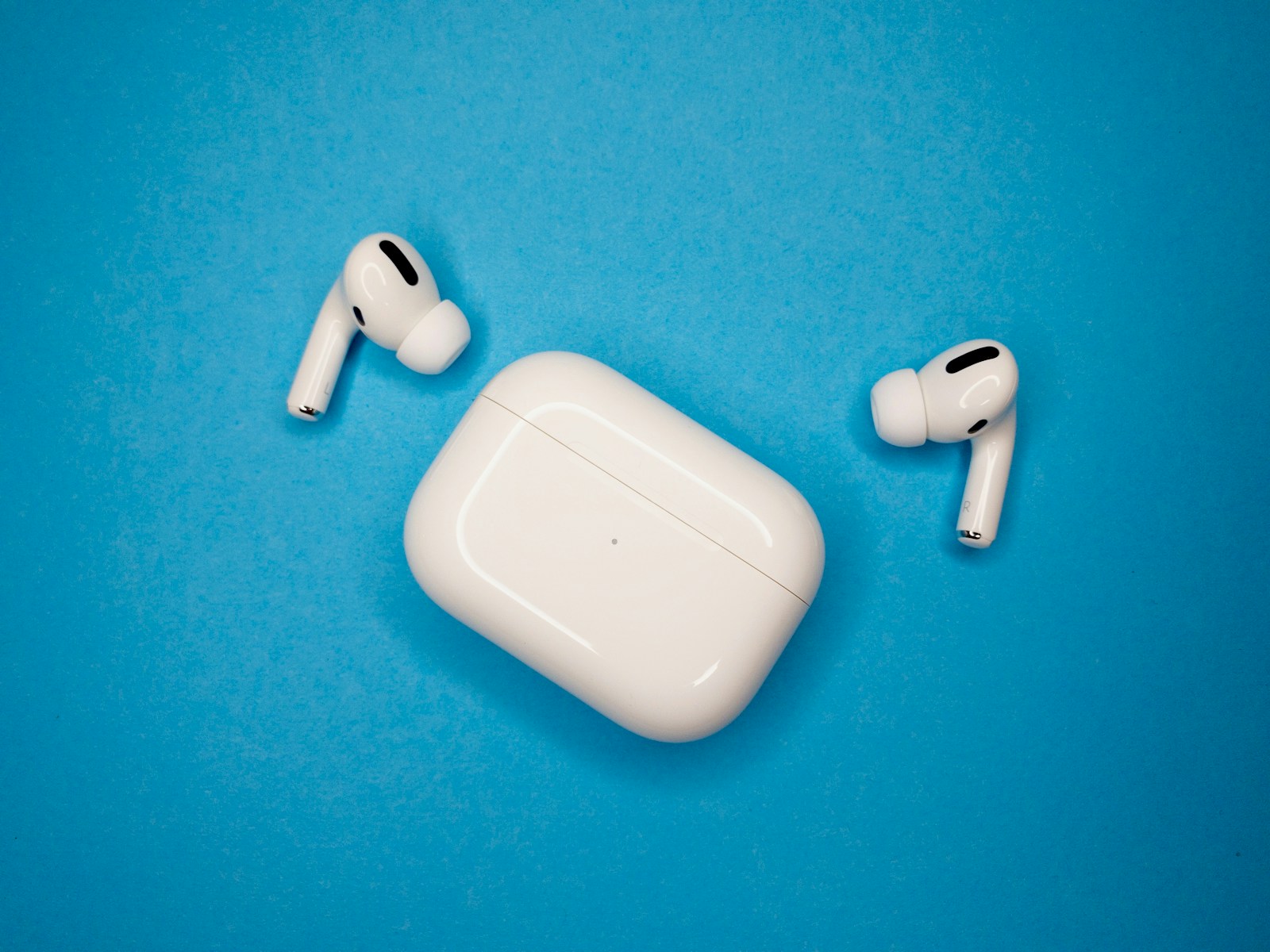
AirPods gain a system-wide custom EQ in Apple’s public beta
A new three-band control lets users adjust lows, mids, and highs across all audio on supported AirPods. The setting is useful, but installing beta firmware comes with an important limitation: it cannot be removed manually.
Apple’s current AirPods public beta introduces a manual custom equalizer in the Settings app. It offers three controls—low, mid, and high frequencies—and applies the selected profile to any audio played through the headphones. Users can launch a song from Apple Music inside the settings screen to hear changes in real time.
Three bands is a small number, but it maps neatly onto the way people actually describe what bothers them about a pair of headphones. The low control governs the region below roughly 250 hertz, where bass weight and rumble sit. The mid control covers the range where voices and most instruments live, and where small changes are most audible. The high control shapes cymbals, sibilance and the sense of air at the top of the spectrum. Complaints such as “too boomy” or “the vocals are buried” almost always resolve to one of the three.
This is the first straightforward, user-adjustable, system-wide EQ Apple has offered specifically for AirPods. It is not literally Apple’s first form of audio adjustment: Apple Music has long included preset equalizer profiles, and iOS provides accessibility-oriented Headphone Accommodations. Those options are either tied to particular playback or designed for hearing needs rather than manual tuning across all AirPods audio.
The public beta supports AirPods Pro 3, both Lightning and USB-C versions of AirPods Pro 2, AirPods 4 with or without Active Noise Cancellation, and AirPods Max 2. These are the supported H2-equipped models listed by Apple. The feature requires a device running an iOS 27 or macOS 27 beta.
Apple’s long reluctance here looks less like an oversight than a philosophy. Adaptive EQ, introduced with the first AirPods Pro and carried into AirPods Max, uses an inward-facing microphone to measure what the ear is actually receiving and corrects the low and mid frequencies automatically, without exposing a control. Headphone Accommodations tunes output to a hearing profile. Both adjust the sound on the listener’s behalf; neither lets the listener simply decide. A manual equalizer is a different kind of statement about who is in charge of the tuning.
The hardware requirement is also more coherent than the model list makes it look. Every product on it carries the H2 chip Apple introduced with the second-generation AirPods Pro in 2022, the silicon that handles noise cancellation and the rest of the computational audio pipeline. Read that way, the supported list is not a set of arbitrary exclusions but a single line drawn at H2. Owners of older H1 models are outside it, and no software update will move them in.
Rival manufacturers reached this point first. Companion applications from Sony, Bose and Sennheiser have offered multiband equalizers and saved presets for years, and enthusiasts have long used third-party software to apply far more precise correction curves. Apple arrives late and with fewer controls, but it arrives at the system layer, with a live preview built into the settings screen rather than in a separate app the listener has to remember to open.
There is a meaningful beta warning. Apple says AirPods beta firmware cannot be removed after installation. The headphones continue running beta software until Apple releases a newer non-beta version. Turning off beta updates prevents future beta enrollment but does not restore the previous firmware. For most users, waiting for the commercial release remains the lower-risk choice.
That caution deserves more weight than a routine beta notice. AirPods firmware normally updates silently while the case sits charging near a paired device; there is no installer to run, no version picker and no supported way to go back. That is manageable when the updates are final releases and considerably less so when the build is experimental. If a pair of AirPods is the one you rely on for work calls or long flights, it is the wrong pair to enroll.
A few habits make a three-band control more useful than it first appears. Cutting is generally safer than boosting, because raising a band eats into headroom and can push loud passages toward distortion; reducing the bass often achieves what raising the mids was meant to do. Move in small increments, and judge the result on a track you know well rather than on whatever happens to be playing. One thing Apple has not detailed is where the equalizer sits in the signal chain relative to Adaptive EQ and Spatial Audio, which is the open question for anyone hoping to tune with any precision.
A three-band equalizer is modest beside the more granular controls offered by some competitors, but its system-wide scope matters. It gives AirPods owners a direct way to soften bass, bring voices forward, or reduce treble without changing apps or relying on fixed presets.